
How the Ellis County Court Calendar Works
Ellis County's main published calendar is the 23rd Judicial District District Court Daily Docket. One PDF serves the whole district, which also includes Gove, Rooks, and Trego Counties. Each county gets its own page, so scan for the Ellis header before trusting any line you find. The court posts the file roughly a day before the settings date. Expect changes. Treat it as a short-range snapshot of the Ellis County District Court docket, not a standing archive.
Coverage has limits. The PDF lists public District Court settings only. Hays, Ellis, and Victoria each run a municipal court with its own city-ordinance docket, and a city citation may never show up on the district PDF. Check the citation or notice. It should tell you which court holds your case.
Ellis County Daily Docket Fields
Open the official District Court Daily Docket and hunt for your case number on the Ellis page. There is no county dropdown, no date range, and no setting filter. Your only search aid is the PDF viewer's find command, then a careful visual pass through the Ellis County court docket lines.
| County header | Separates Ellis settings from the other district counties. |
|---|---|
| Date and time | Shows the expected appearance, subject to later change. |
| Case number | Identifies the matter, often in a form such as EL-YYYY-CR-NNNNNN. |
| Judge | Names the judge assigned to the setting. |
| Setting type | Labels the event, not the result. |
| Mode | May state Zoom, In Person, or Zoom - Dismiss. |
| Connections | Lists party, attorney, and role information. |
| Note or seal | Adds instructions or hides protected identities. |
Sealed cases work oddly. A line can keep the setting visible while swapping the caption and party names for a sealed marker. So a listed time proves nothing about identity; the underlying names stay private even when the court date itself is public.
Ellis County Court Date Lookups
Begin with the paper you already have. A citation, notice, order, or an earlier docket entry often states the date and whether you must appear. Then check that against the public Ellis County court calendar before you rely on either source alone.
- Read the notice for the named court, date, and appearance instructions.
- Search Kansas CaseSearch with Court set to District and County set to Ellis.
- Open the current Daily Docket and compare case number, date, judge, type, and mode.
- Call the Ellis District Court Clerk at 785-628-9415 or visit 107 W. 12th Street in Hays if unclear.
- Use the courthouse terminal for permitted details absent from the web.
- For city cases, call Hays at 785-625-1070, Ellis at 785-726-4812, or Victoria at 785-735-2259.
Kayla Acosta, Clerk of District Court II, keeps the Ellis County District Court docket. A quick call to her office beats a written records request when you need to confirm a court date fast. For a routine docket lookup, though, a written request still works for any public calendar record.
Ellis County Schedule and Court Forms
For paperwork, the 23rd Judicial District self-help page offers court forms alongside drop-box, small-claims, and protection-order options that run parallel to the calendar.
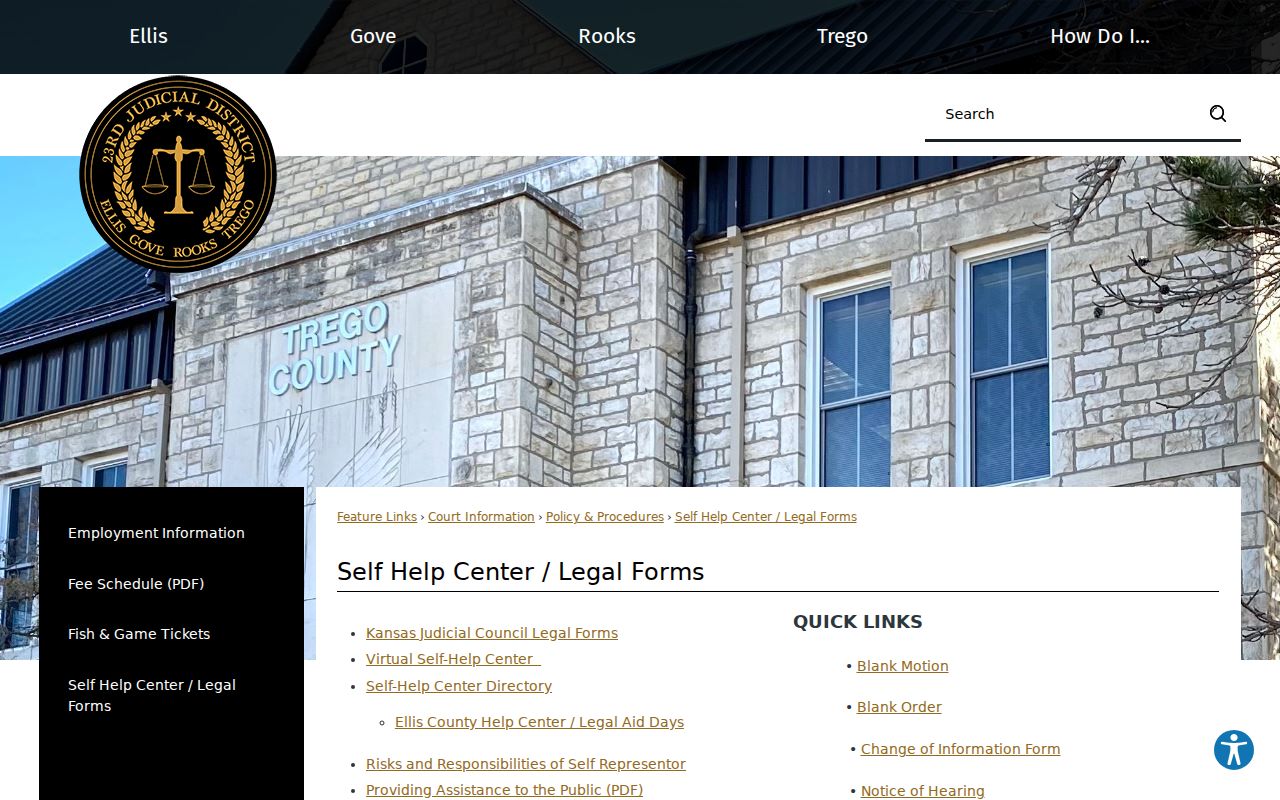
The page separates filing tools from the Daily Docket itself. Filing a form may lead to a hearing later, so treat this page as a starting point rather than a live Ellis County court schedule.
Court Settings: What Each Field Means
A setting only means an event was planned, not that it happened. What followed shows up in the register of actions and any signed orders, so read every field together before you conclude anything about the Ellis County court record.
| Date | The expected date, checked against later notices. |
|---|---|
| Time | The listed start time, not a guaranteed call time. |
| Courtroom or mode | The place or remote method posted by the court. |
| Judge | The judicial officer assigned on that schedule. |
| Setting type | The procedural stage rather than the disposition. |
Each setting label on an Ellis County criminal docket tells you what kind of hearing is set. It does not tell you how the case ends. A First Appearance is an early criminal event. A Pretrial Conference deals with getting a case ready or resolving it. A Review Hearing looks at progress or compliance. An Answer Hearing is a civil response. Aid in Execution comes after judgment. Probation - Violation means supervision under a case that already exists. Treat every label as a description of the hearing itself.
Ellis County Court Schedule Modes
The Daily Docket has listed several modes: Zoom, In Person, and Zoom - Dismiss. Follow whatever mode the current line shows, along with any later order. Be careful here. "Zoom - Dismiss" does not mean the whole case was already dismissed. You should not read it that way. Only the register or a later entry supplies that result.
- In Person
- Appear at the place directed by the court notice.
- Zoom
- Use the court’s current remote-hearing instructions.
- Zoom - Dismiss
- A remote dismissal-related calendar label that still needs register confirmation.
- Motion (Pro Se)
- A setting tied to a self-represented motion, not the full motion text.
When a Court Date Moves
A reset on the Ellis County Daily Docket has no universal code. One case may show a later setting, an order, a review entry, or a dismissal entry instead. Keep the old date and its type. Run the case number through the docket search again. Open the next PDF and call the court if the new date stays unclear.
For an Ellis County traffic citation, call District Court before the printed date. Do that if you need a continuance. Official county instructions say the County Attorney cannot grant one. A city ticket goes to the municipal court named on the citation. A missing district line proves nothing about cancellation. Weather, holiday, or closure changes always need official court confirmation.
Start a reset check with the exact case number, never just a name. From the old PDF, note the date, the setting label, the judge, and the appearance mode. Then search the public case register for a later order or setting. Check the newest Ellis County Daily Docket. If two dates still show, do not pick the one that is simply easier to reach. A later signed order or direct court confirmation controls over any advance calendar snapshot.
Payment questions have their own channel. The 23rd Judicial District traffic guidance tells anyone seeking a payment extension to call the court. A request to contest a citation is likewise set through the court by the date printed on the citation. Neither step changes the calendar on its own until Ellis County District Court confirms it. When a lawyer represents a party, that party should also ask counsel. Ask about the active order and setting.
Ellis County Schedule Versus Register
The Daily Docket shows what is coming up. Kansas CaseSearch reaches deeper, listing permitted case information and events across a case's life. When the schedule is not enough, the Ellis County docket search opens that fuller sequence for any county case number.
| Daily Docket | CaseSearch |
|---|---|
| Advance daily snapshot | Searchable public case layer |
| Ellis page in a district PDF | District and county filters |
| Setting, judge, mode, and roles | Permitted case events and hearings |
| Subject to change | Not a certified court record |
Federal Dates Outside Ellis County
Federal matters sit with the U.S. District Court for the District of Kansas, whose site maps out courthouse locations with PACER and CM/ECF access.
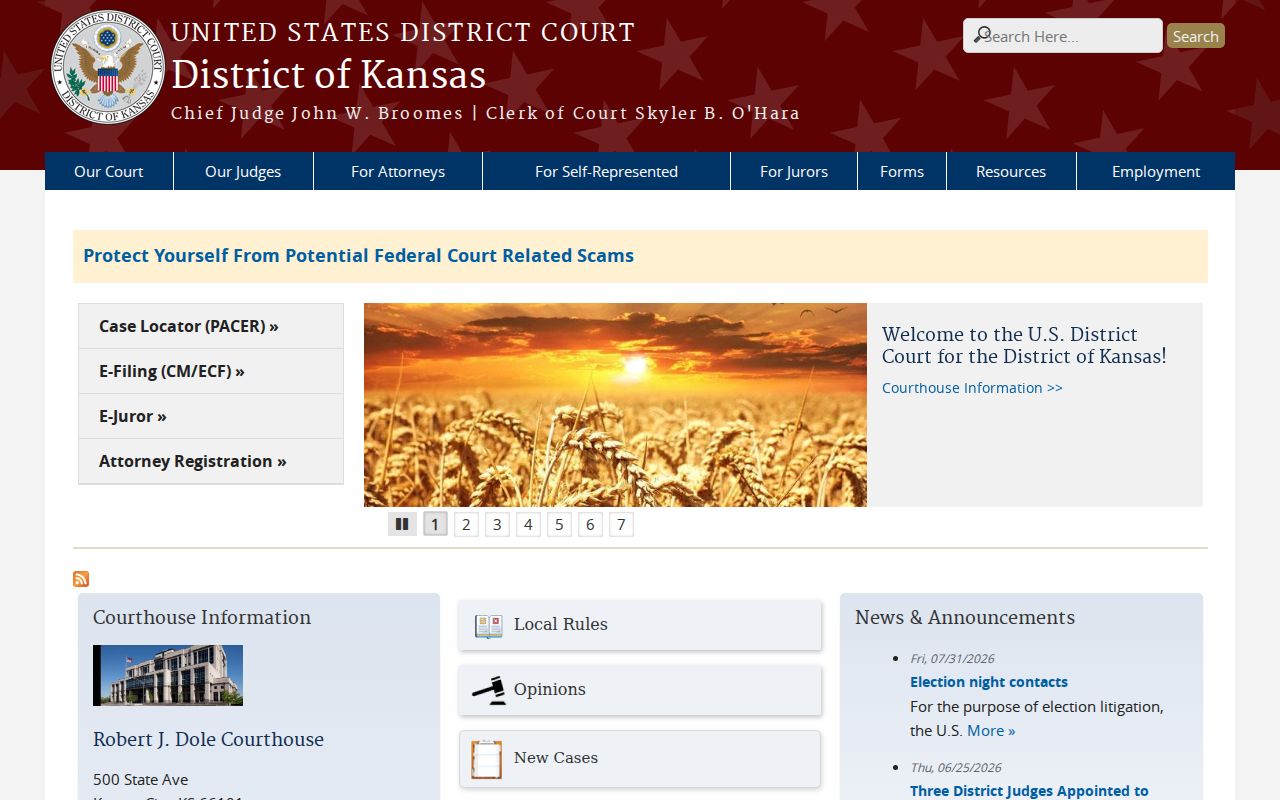
Federal matters never land on the Kansas 23rd Judicial District Daily Docket. That holds true even when the case touches Ellis County. The federal and state systems run on separate calendars. So before you hunt for a hearing, read the court name on your notice. That one detail tells you which door to knock on.
Federal scheduling lives with PACER and the federal clerk. State district matters live elsewhere: Kansas CaseSearch, the 23rd District PDF, and the Ellis County District Court Clerk. Neither calendar shares settings with the other. A hearing set in one system will simply never show up in the other. So search the side that matches your notice.
Missed Settings and What Comes Next
Act fast after missing an Ellis County setting. Check the register for a new event, then call the court named on the notice. No filing, payment, or message cancels the duty to appear.
Missed a setting? Failure to appear can lead to a warrant, bond action, or other court consequences depending on the case.
Call the Ellis District Court Clerk at 785-628-9415, or the correct municipal clerk, and contact your attorney if represented.
Only the court can state the current status and the steps needed to return the matter to the schedule.